00:00:00:01Project file — FX
Coming soon — Android, iPhone & iPad
Give it a look. Make it yours.
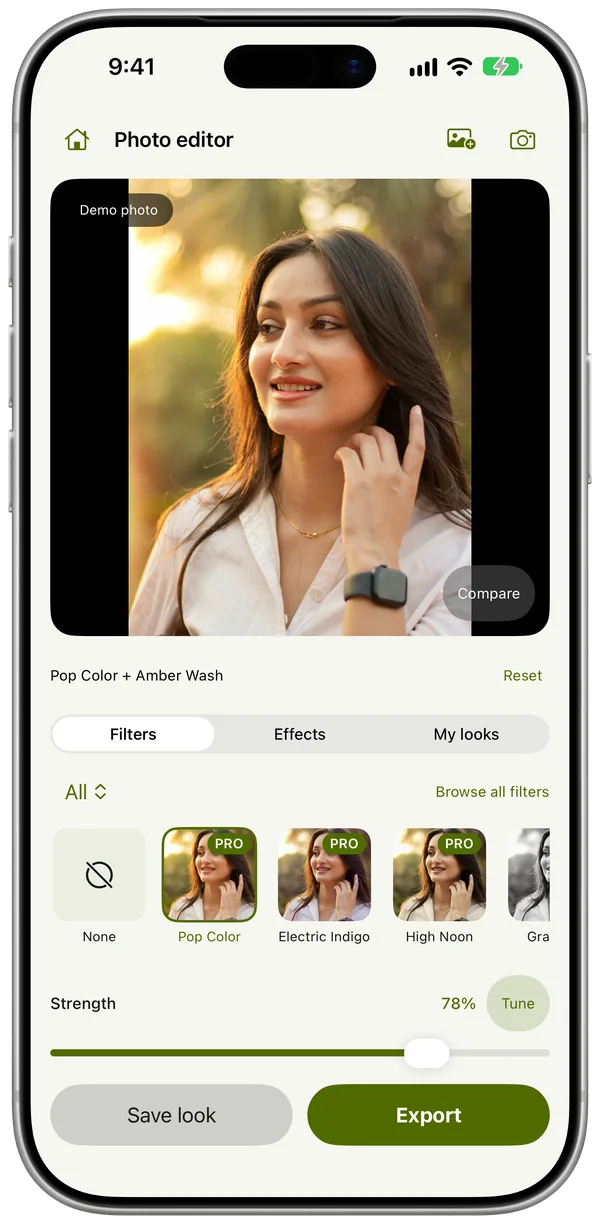
Photo filters and video effects for your photos, selfies and short videos, previewed live in the editor and the filter camera. Everything runs on your phone; nothing is uploaded.
00:00:02:12Before / after
Same photo. One filter.
Drag across the photo. The original is on the left; on the right is Cherry Chrome, a film filter, at the strength it opens with. In the app, Compare does the same with one tap.
Drag, or focus and use ← →
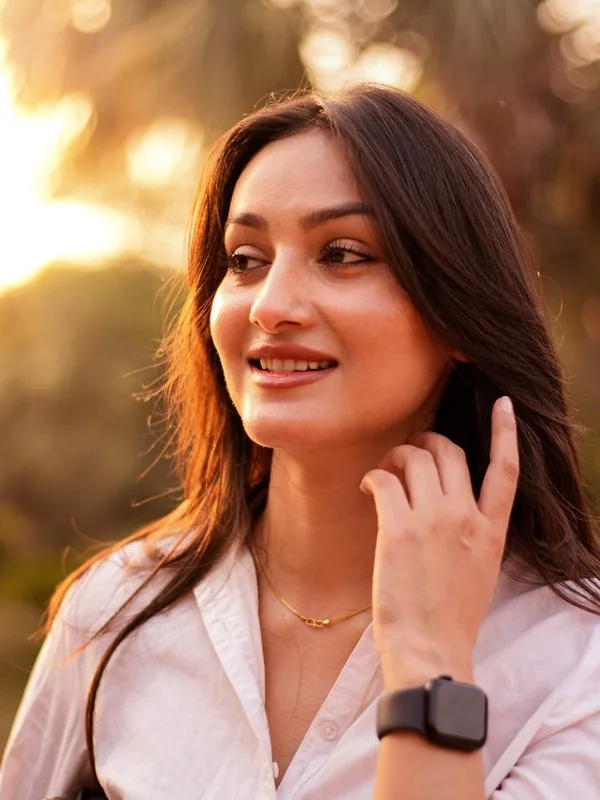
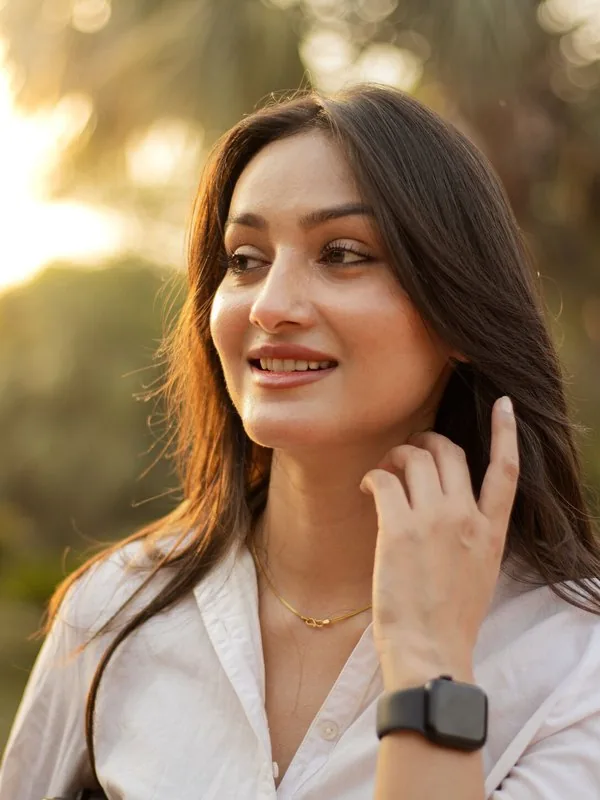 OriginalCherry Chrome
00:00:04:08What it is
A look, not a timeline.
Creator is where you cut a video together. FX does one thing: it gives a photo or a short clip a look. Open something, or the camera, pick a filter and an effect, and save. Your looks are kept on the phone, so the one you liked last week is a tap away.
One filter, one effect
A look is a colour filter plus an effect, each with its own strength. Pick both, tune both, and compare against the original in one tap.
Live in the camera
Every look previews live in the camera for photos and video, and you can change it while you record.
On your phone, nothing uploaded
Filters, effects and person detection all run on the device. Photos and videos are never sent to us, and FX has no account to make.
00:00:06:00The looks
One photo, a few of the looks.
Each one is the real filter or effect from the app, on the same photo, at the strength it opens with.
Filters

Memory 35Film 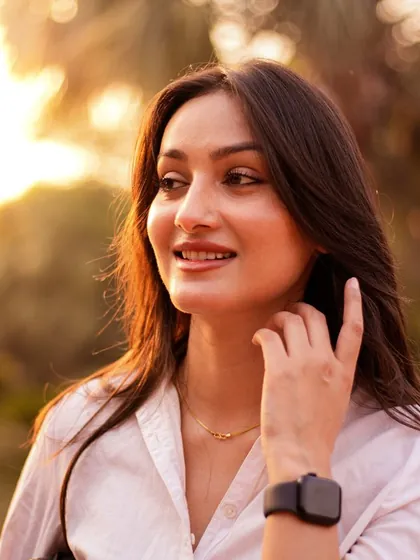
Cherry ChromeFilm 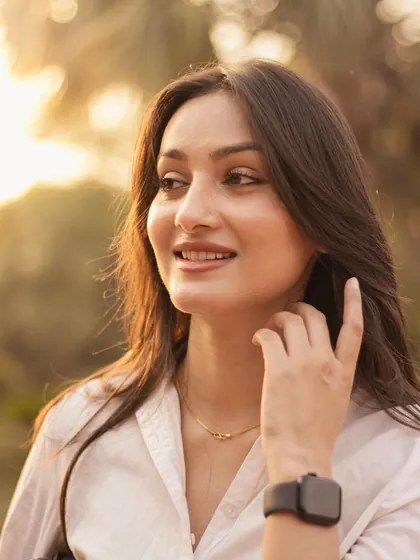
Peach MilkPastel 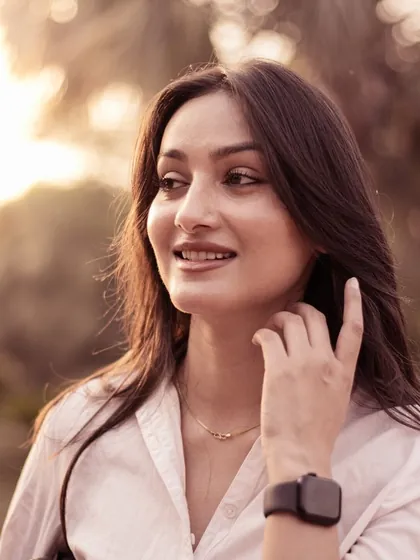
Lith RoseToned Silver 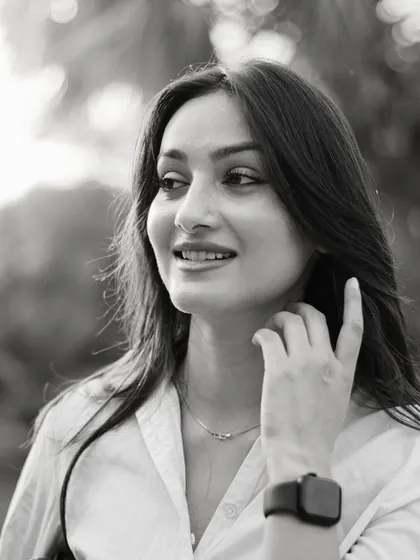
GraphiteMonochrome 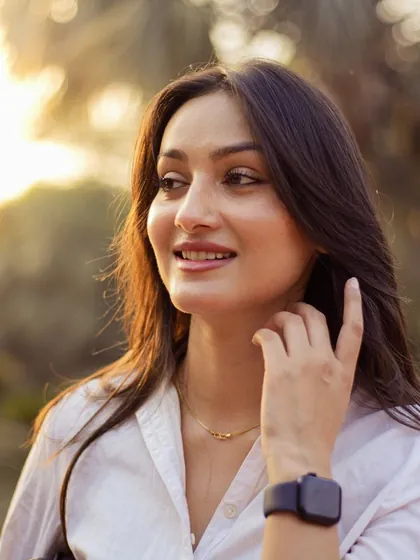
Electric IndigoNight
Effects
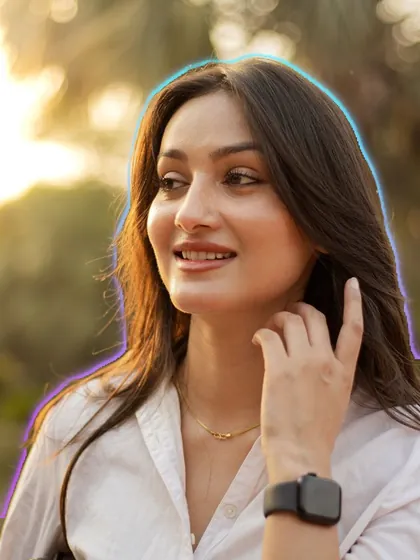
Neon OutlineSubject 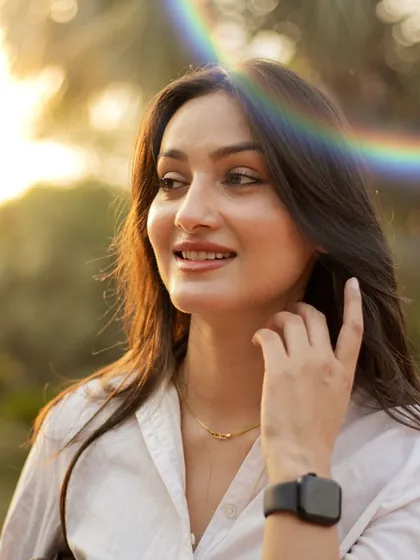
Rainbow HaloOptics 
SnowfallWeather 
Anamorphic StreakOptics 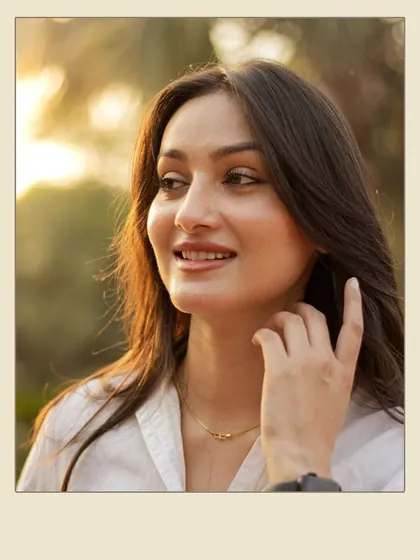
Instant PrintFrames 
Floating EmbersWeather
Demo photo: Portraits By PB on Pexels
Every family, grouped the way you'd look for them.
Colour filters
Graded colour, built for skin, daylight, film, night and mono. Each opens at a tuned strength.
- Portrait
- Portrait Studio
- Editorial
- Daylight
- Coast
- Tidal
- Alpine
- Botanical
- Earth
- City Architecture
- Interiors
- Kitchen
- Product Table
- Cinema
- Motion Picture
- Film
- Print Room
- Pastel
- Twilight
- Night
- Toned Silver
- Monochrome
Effects
Light, grain, frames and motion on top of the colour. Some move, and some follow the person in the frame.
- Light
- Analog
- Emulsion
- Optics
- Lens Falloff
- Bokeh
- Frames
- Graphic
- Facets
- Silk
- Sparkle
- Studio
- Atmosphere
- Weather
- Water
- Subject
Person effects — Portrait Blur, Body Glow, Neon Outline find the person in the frame on your phone, then blur the background, glow around them or trace their outline. Nothing about the person is stored or sent anywhere.
00:00:48:00Inside the app
Camera, filters, effects, saved looks.
01
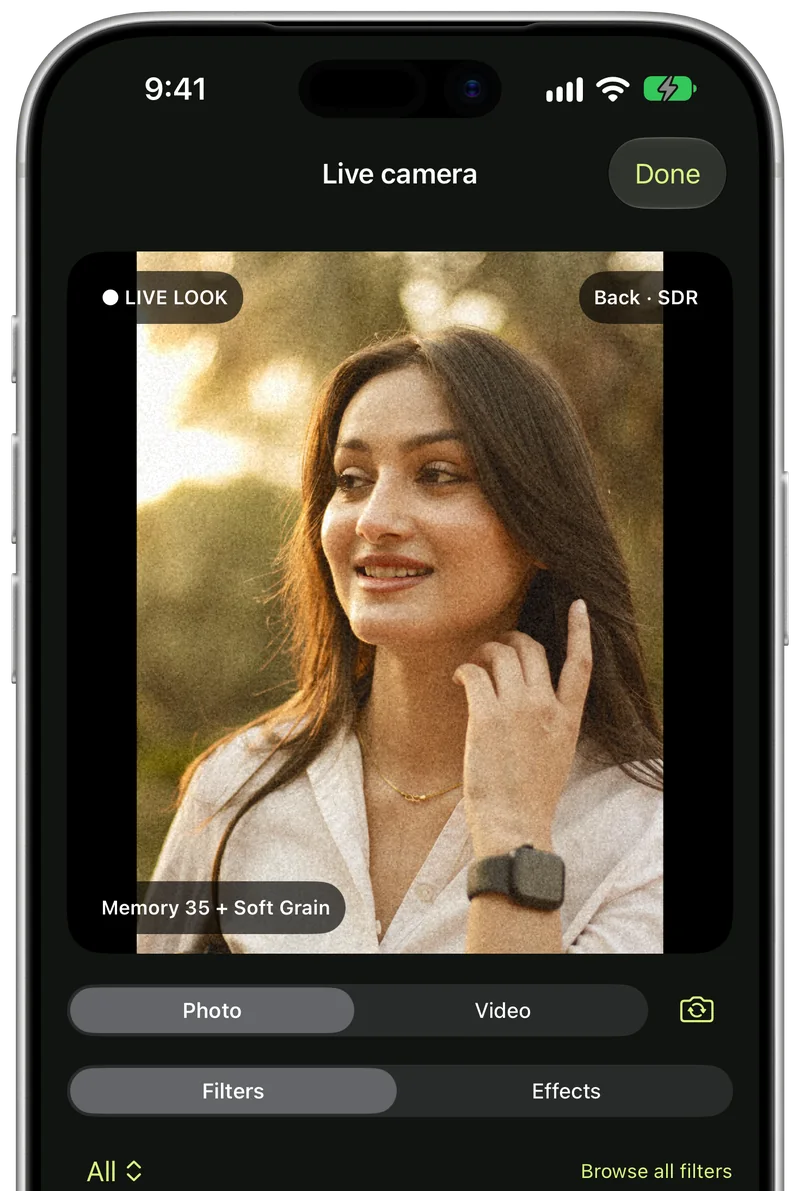
Shoot with the look on
The camera shows your filter and effect live, for photos and video, and you can change the look while you shoot.
02
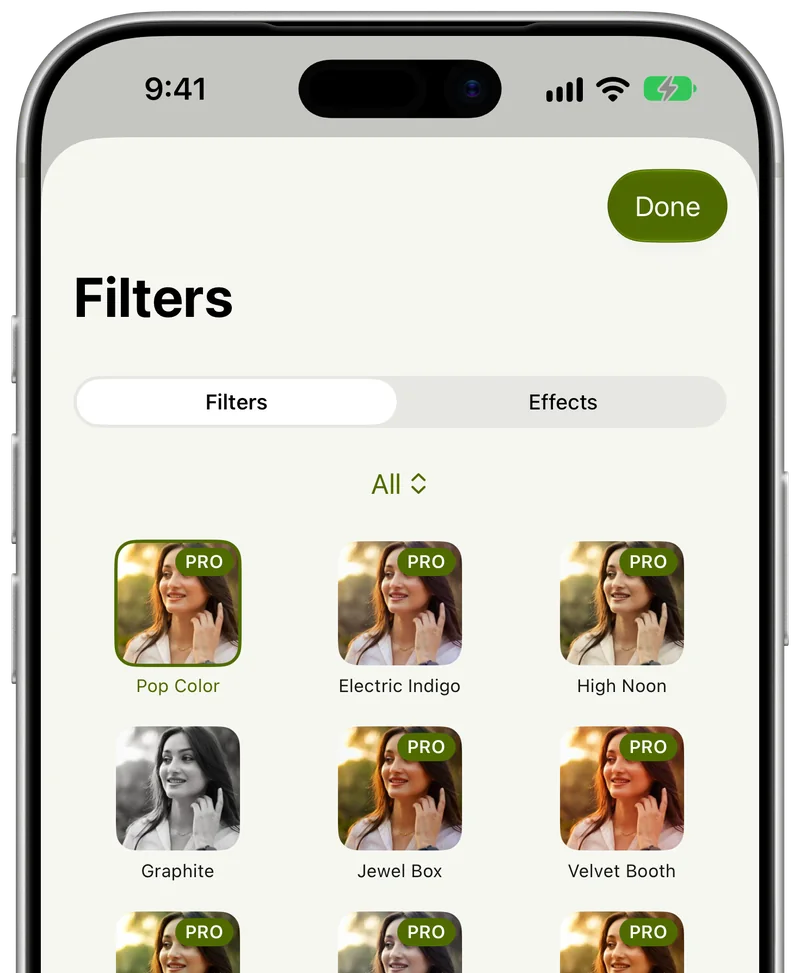
Every filter, on your photo
Browse the filters as previews of the photo you are editing, so you see how each one looks before you tap it.
03
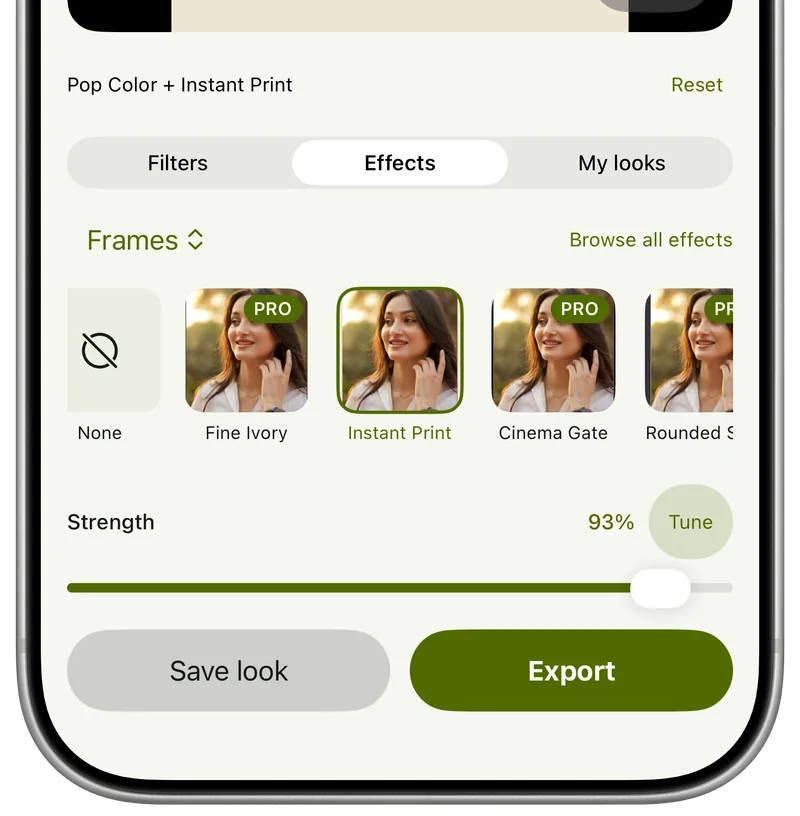
Add an effect on top
Light, grain, frames, weather and more sit on top of the colour, each with its own strength. Compare shows the original in one tap.
04
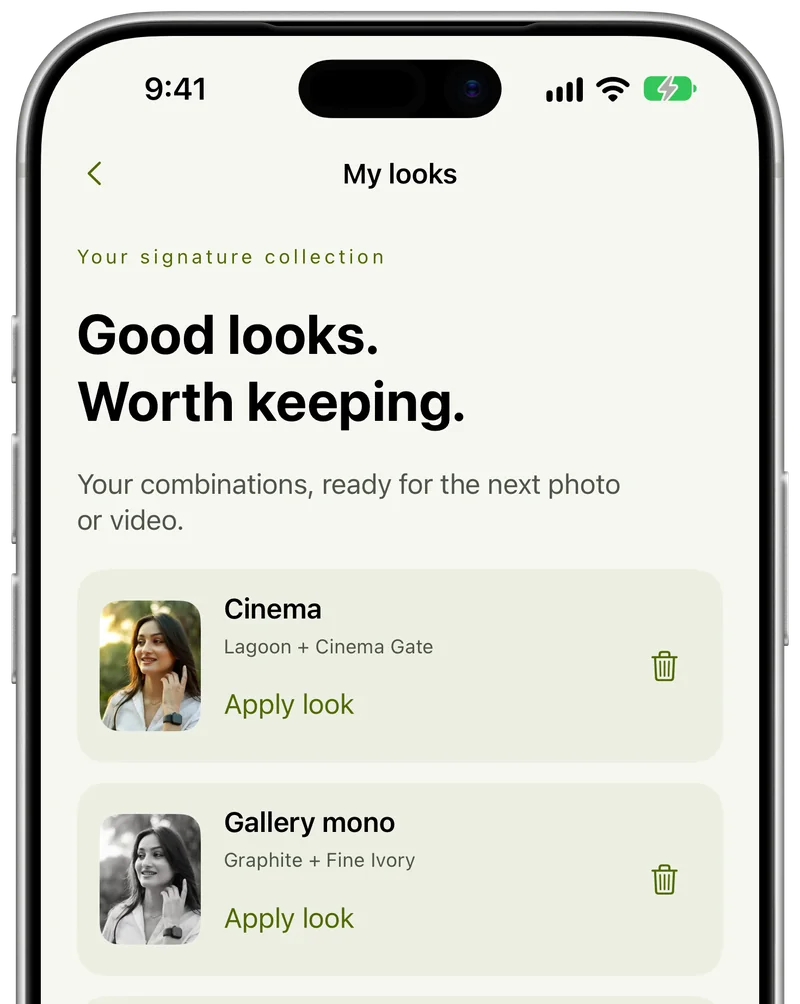
Keep the looks you like
Save a filter and effect pair as a look, and apply it to the next photo or video in one tap.
00:01:02:00Free and Pro
Try every look before you pay.
A Pro look shows in the editor and the camera like any other; the lock only applies when you save.
| Capability | Free | Pro |
|---|---|---|
| Looks | A free set of filters and effects | Every filter and effect |
| Trying a look | Every look previews in the editor and camera | Every look previews in the editor and camera |
| Saving with a Pro look | Watch a rewarded ad to save one export with it | Always |
| Ads | Banner and full-screen ads, never over the preview or camera | None |
Pro is a monthly or yearly subscription, or a one-time lifetime purchase. Remove ads is a separate one-time purchase that removes the ads but keeps Pro looks locked. Prices are read from Google Play or the App Store, never hard-coded here, and shown before you confirm.
“The photo is graded by your phone and saved back to your phone. There is no step in the middle where we could see it.”
00:01:20:00Read more
Articles.
2 min read
How to give your photos a film look
What makes a photo look like it was shot on film (colour, soft contrast, grain, glow and the frame) and how to get the look on your phone without overdoing it.
2 min read
Aesthetic photo editing: ideas that don't look overdone
Simple ways to give photos an aesthetic, consistent look: pick one mood, keep skin natural, use strength not more filters, and save the look for next time.
2 min read
How to blur the background of a photo on your phone
How to get a soft, blurred background in portraits: shoot for it, use portrait mode, or add the blur afterwards, plus how to keep the edges clean.
2 min read
How to edit selfies so they still look like you
Natural selfie editing: start with the light, fix the colour cast, choose a flattering filter at low strength, keep skin real and add at most one effect.
2 min read
How to add snow, sparkle and other festive effects to photos
Make holiday and winter photos feel magical: add snow, sparkle, glowing embers or a soft mist, match the effect to the light, and keep faces clear.
00:01:31:00Questions, answered
Before you ask.
Is Creovia FX free?
Yes. A set of filters and effects is free, and you can try every other look in the editor and camera before deciding. The free version shows ads. Pro unlocks every look and removes the ads.
How does Pro work?
FX Pro is a monthly or yearly subscription, or a one-time lifetime purchase. There is also a one-time Remove ads purchase, which removes the ads but does not unlock Pro looks. Prices come from Google Play or the App Store and are shown before you confirm.
Are my photos uploaded?
No. Filters, effects and person detection run on your phone. Your photos, videos and camera frames are never sent to us or anyone else, and they never appear in crash reports, analytics or ad requests.
Does it work on videos and selfies?
Yes. Open a photo or a short video from your gallery, or use the camera, front or back, with the look on the live preview. The same filters and effects work on photos and videos.
Do I need an account?
No. FX has no sign-up and no sign-in. Purchases belong to your Google Play or Apple account; use Restore purchases on a new device signed in to the same store account.
Is FX Pro the same as Creator Pro?
No. Creovia FX and Creovia Creator are separate apps with separate purchases.
Which phones does it run on?
Android 10 or later, and iPhone and iPad on iOS 17.2 or later.
00:01:52:00Roll credits — get the app
Coming to Google Play and the App Store.
Creovia FX is coming to Android, iPhone and iPad. When the listings go live, the download buttons appear right here.