Film photos have a feel that is easy to recognise and hard to name. It is not one effect but a handful of small things together: the way colours shift, the softness in the shadows, the grain, the glow around bright light.
Here is what each of those is, and how to add them to a phone photo so it looks like film rather than a filter.

1. Colour: warm highlights, gentle shadows
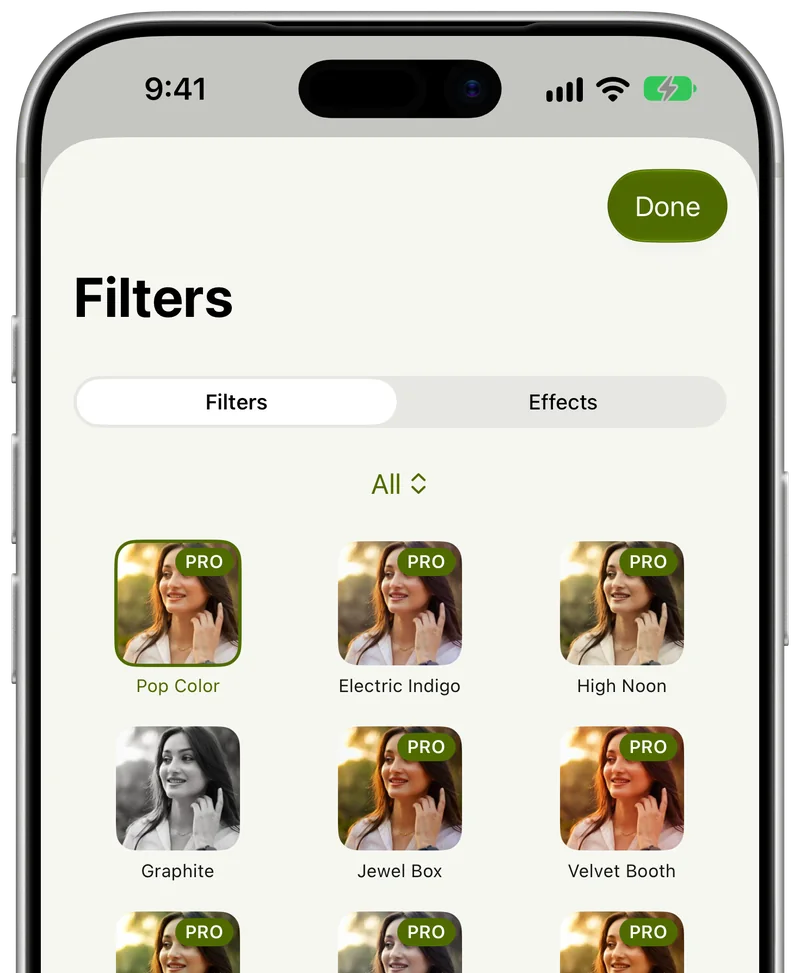
Film rarely shows pure, neutral colour. Many stocks warm up skin and highlights, push greens toward olive or teal, and keep shadows from going cold and blue. Start with a film-style colour filter instead of building this by hand.
Then lower its strength. Real film is subtle; at full strength most filters look like a filter.
2. Contrast: lift the blacks a little
Digital photos often have deep, crushed blacks. Many film looks lift the darkest parts slightly, so shadows look soft and a little faded. It is the quickest single change that makes an image feel analogue.
3. Grain: fine, not noisy
Grain gives a photo texture and hides the over-smooth look of phone processing. Keep it fine and even. Heavy grain looks like a bad low-light shot rather than film.

4. Glow and light: halation and light leaks
Bright lights on film can bloom with a warm halo, and old cameras sometimes leaked light onto the edge of the frame. A touch of glow on highlights, or a faint warm leak at one edge, adds the accident that makes film feel real. Use one, not both, and keep it faint.

5. The frame
Sometimes the look is the border. An instant-print frame or a scanned-film edge tells the viewer at once what kind of photo this is, and it works especially well for casual and party shots.

6. Black and white
Black-and-white film looks have their own character: rich mid-tones, deep but not crushed blacks, and grain. Try one on portraits and on scenes where colour distracts from the shape of the light.

Do not overdo it
Film looks fail in the same few ways:
- Too much strength on the colour filter.
- Grain so heavy it reads as noise.
- Several effects stacked on top of each other.
- Skin that turns orange, grey or green. Check faces first.
Getting the look with Creovia FX
Creovia FX is built around this exact recipe: one colour filter plus one effect, each with its own strength. Pick a film filter, add grain, glow, a light leak or a frame, tune both, and tap Compare to check against the original. You can save the combination to use again, and apply it live in the camera. Everything runs on your phone; nothing is uploaded. FX is coming soon to Android, iPhone and iPad.
Quick answers
- What makes a photo look like film?
- A mix of shifted colour, softer lifted shadows, fine grain and a little glow around bright light, often with a characteristic border.
- How do I add film grain to a photo?
- Use a grain effect at a low strength, after the colour is set. Fine, even grain looks like film; coarse grain looks like noise.
- Can I get a film look straight from the camera?
- Yes, with a camera that previews filters live, such as the Creovia FX camera, so you see the look while you shoot.
- Why does my film filter look fake?
- It is usually too strong, or several effects are stacked. Lower the filter's strength, use one effect, and check skin tones.