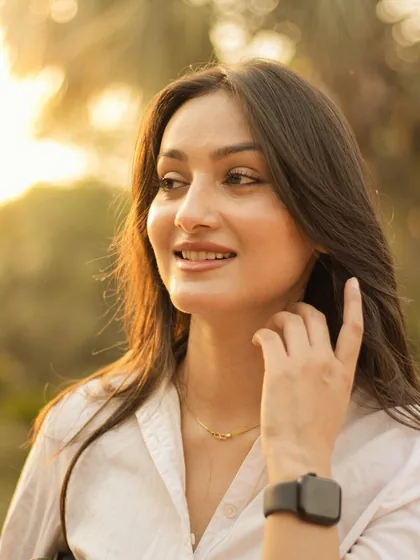
The best selfie edits are the ones nobody notices. The photo just looks good, and it still looks like you. That comes from a few small choices rather than heavy retouching.
Start with the light
Editing can only do so much with harsh or dim light. Face a window or soft daylight, avoid strong light directly overhead, and keep a bright window behind you out of the frame. Good light means you will need far less editing.
Fix the colour cast first
Indoor bulbs turn skin orange; shade and screens turn it blue or grey. Before trying filters, bring the colour back to neutral so skin looks like skin. Every filter you try afterwards will look better.
Choose a flattering filter, then lower it
Soft, warm and pastel looks tend to flatter faces; strong contrast and heavy colour shifts tend to age them. Portrait-oriented filters are designed to keep skin tones believable.
Whatever you choose, turn the strength down until you can only just tell it is there. That is usually the right amount.
Keep skin real
Skin has texture, and taking it all away is what makes an edit look fake. Avoid heavy smoothing, keep some natural colour variation, and check that the whites of the eyes and teeth have not taken on the filter's tint.
One effect, if any
A single effect can add character: a soft background blur, a gentle glow, fine grain or a frame. Stacking several makes the selfie about the editing instead of about you.
Compare with the original
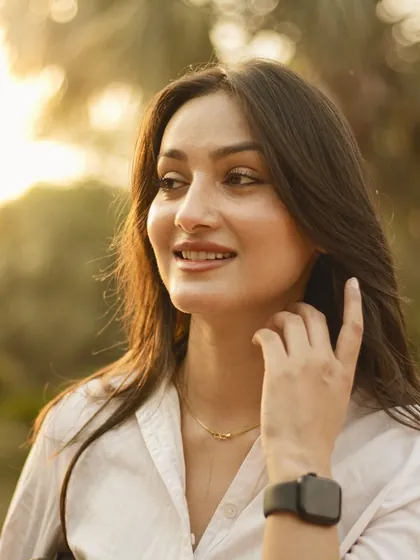
Your eye adjusts to an edit within seconds. Flip back to the original every so often: if the edit looks heavy next to it, it is.
Try the look before you shoot
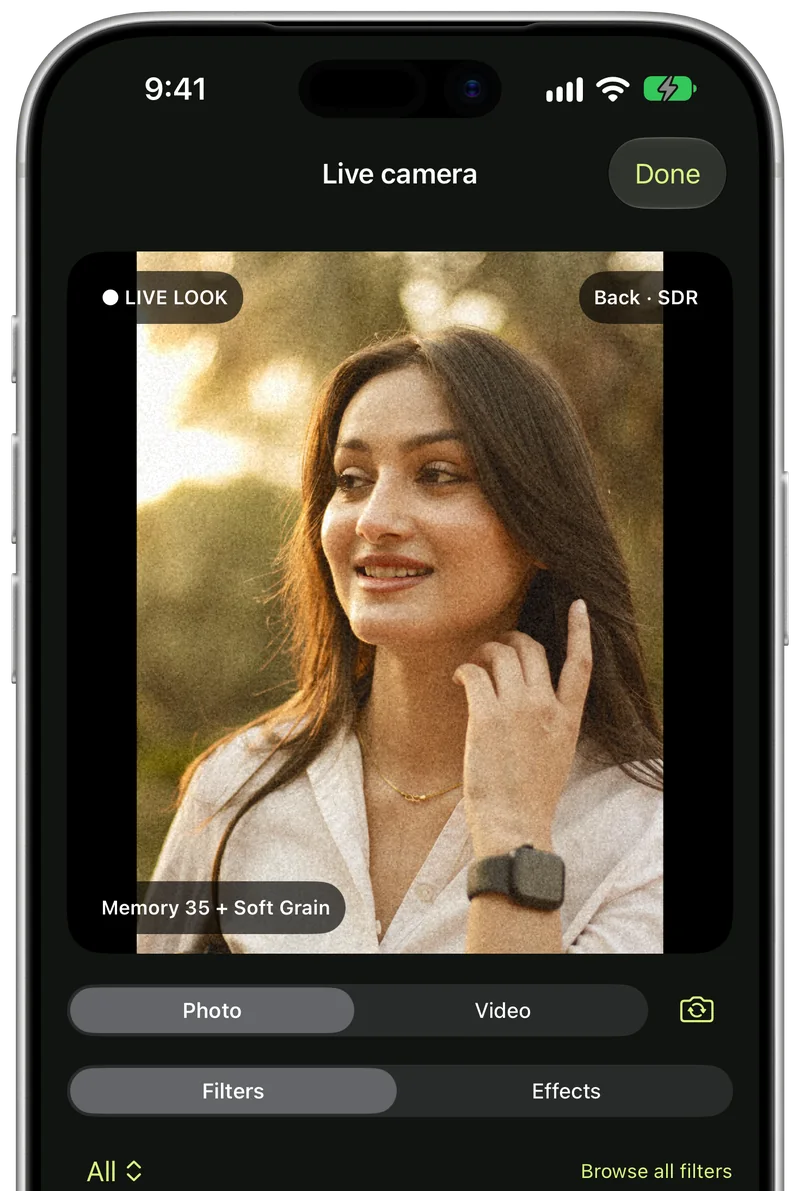
A camera that shows the filter live lets you see how the light and the look work together while you are still in front of the lens, so you get the shot right instead of fixing it later.
Selfies with Creovia FX
Creovia FX gives a selfie one colour filter and one effect, each with its own strength, including portrait filters made for skin and subject effects that find you in the frame. Compare shows the original in one tap, the camera previews any look live, and looks you like can be saved to use again. It all runs on your phone, with no account and nothing uploaded. FX is coming soon to Android, iPhone and iPad.
Quick answers
- How do I make my selfies look better without filters looking fake?
- Use good, soft light, correct the colour first, then use one flattering filter at low strength and check the result against the original.
- What filter is best for selfies?
- A soft, warm or pastel filter made with skin in mind, used at a moderate strength. Strong, high-contrast looks rarely flatter faces.
- Why do my selfies look orange or grey?
- The light has a colour cast: warm bulbs make skin orange, shade and screens make it grey or blue. Correct the warmth before adding a filter.
- Can I see the filter while taking a selfie?
- Yes, with a camera that previews filters live, such as the Creovia FX camera.