An "aesthetic" photo is really a consistent one: a clear mood, a palette that hangs together and edits that do not shout. The good news is that it takes fewer steps than most people use.
These ideas work with any editor. They also happen to be how we designed Creovia FX.
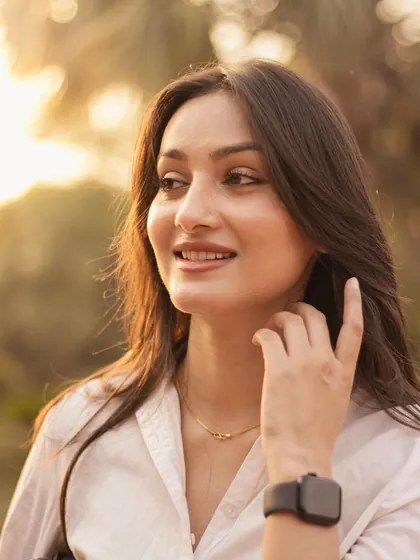
Pick one mood per photo
Decide what the photo should feel like before you scroll through filters: soft and pastel, warm and nostalgic, cool and moody, or clean black and white. Choosing first stops you trying everything and ending up with nothing in particular.
Keep skin natural
Most edits that look "off" go wrong on faces. Whatever the colour of the rest of the picture, skin should still look like skin. Check a face at the end of every edit and lower the strength if it has turned orange, grey or green.
Use strength, not more filters
Stacking filters muddies colour fast. One filter at the right strength almost always beats three at full. Slide the strength down until the photo looks better than the original, and stop there.
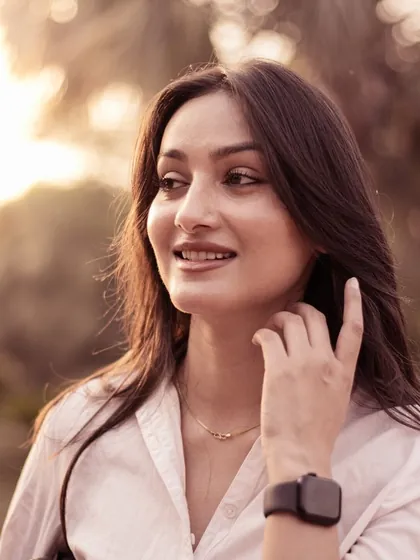
Add one effect for character
A single effect can give the photo its signature: soft grain, a gentle glow, sparkle on a night shot, falling snow, or a frame. Pick the one that suits the mood and leave it at that.
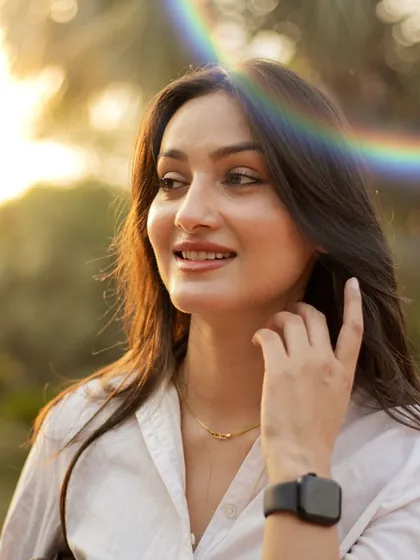
Make the subject stand out
For portraits, separating the person from the background is one of the most flattering edits there is. Blurring the background, a soft glow around the subject or a bright outline all draw the eye to the person.

Stay consistent across a set
A feed or an album looks aesthetic when the photos look related. Once you like a combination, save it and apply it to the rest of the set, adjusting only the strength for each photo's light.
Try it while you shoot
Seeing the look on the live camera changes how you shoot: you notice the light and colour the edit will bring out. It also means less editing later.
Doing it in Creovia FX
Creovia FX gives every photo one colour filter and one effect, each with its own strength, plus Compare to check against the original. Person effects such as background blur, glow and outline find the subject on your phone. Save a look you like to use again, or turn it on in the live camera for photos and short videos. FX needs no account and uploads nothing, and it is coming soon to Android, iPhone and iPad.

Quick answers
- How do I make my photos look aesthetic?
- Choose one mood, use one filter at a moderate strength, add at most one effect, keep skin natural, and use the same look across a set of photos.
- How do I keep my Instagram feed consistent?
- Save the filter and effect combination you like and reuse it on every photo, changing only the strength to suit each photo's light.
- Which filter is best for selfies?
- One that keeps skin natural: a soft, warm or pastel filter at moderate strength usually flatters faces more than strong, high-contrast looks.
- Can I edit photos without uploading them?
- Yes. Creovia FX applies every filter and effect on your phone, so your photos are never uploaded.