A video that will not play, upload or attach is almost always a format problem. The fix is usually simple once you know what the letters after the dot actually mean.
Containers and codecs
A file like holiday.mp4 is a container. It holds a video stream, one or more audio streams and some information about them. The codec is how each stream is compressed: H.264 or HEVC for video, AAC or MP3 for audio.
Two MP4 files can therefore behave differently: one with H.264 plays everywhere, one with HEVC may not play on an older device. When a file "won't play", the codec is often the real reason.
MP4: the safe default
MP4 with H.264 video and AAC audio plays on nearly every phone, computer, browser and social app. If you are not sure what to choose, choose this.
MOV: Apple's container
MOV is the format iPhones and Macs record and edit in. It plays well on Apple devices, but some Android apps, websites and Windows tools handle it less well. Converting MOV to MP4 is the usual fix when an iPhone video will not upload or play somewhere.
MKV: flexible, but not universal
MKV can hold many audio tracks and subtitles in one file, which is why it is common for films and archives. Many phones and social apps will not accept it, so convert to MP4 before sharing.
WebM: made for the web
WebM is common for video on websites and in browsers. Outside the browser support is patchier, so if you downloaded a WebM and need to edit or share it, MP4 is the better format to keep.
GIF: for short loops only
A GIF is a sequence of images with a limited colour palette and no sound. It is handy for short, silent loops that play anywhere, but it is large and blocky compared with real video, so keep GIFs short.
Audio: MP3, M4A or WAV?
When you only need the sound from a video:
- MP3 plays on everything, including old car stereos and players.
- M4A (AAC) sounds as good or better at the same size, and plays on modern phones and computers.
- WAV is uncompressed: the best for further editing, but large.
Which one should you pick?
A quick rule of thumb:
- Sharing to apps, chats or social media: MP4 (H.264).
- Keeping a smaller copy for yourself: MP4 with HEVC, if your devices play it.
- Working on an iPhone or Mac: MOV is fine.
- A short silent loop: GIF.
- Just the audio: MP3 for compatibility, M4A for quality per megabyte.
Converting on your phone with Creovia Convert
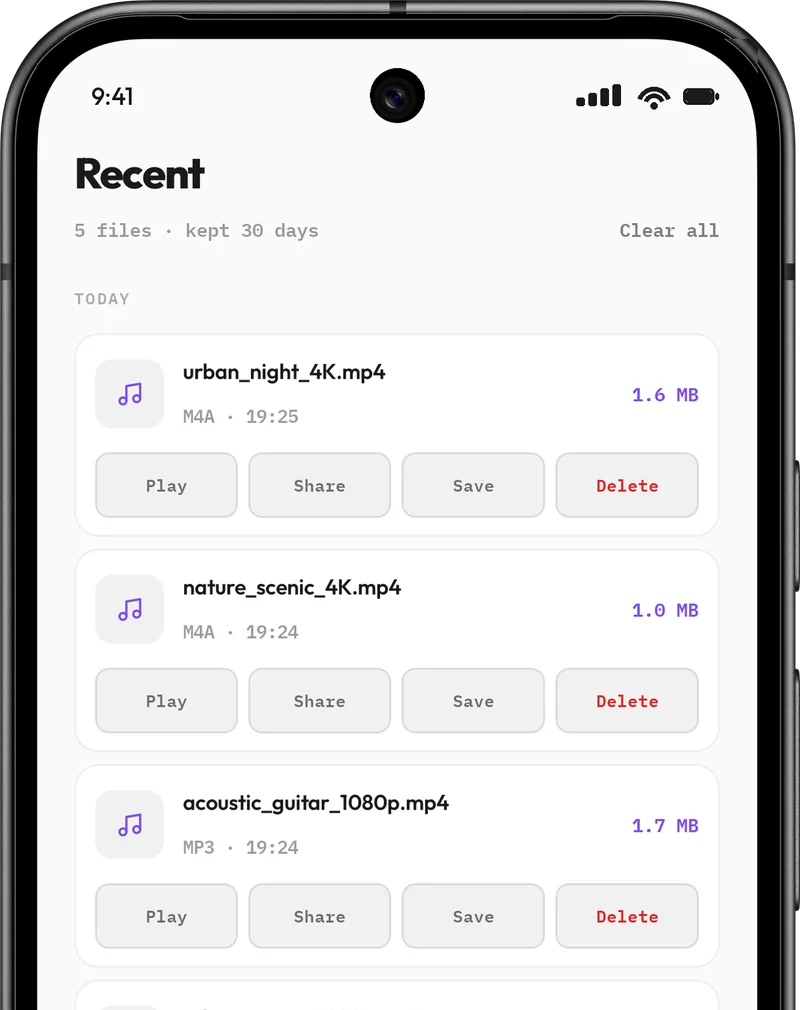
Creovia Convert reads common video files, including MP4, MOV, MKV, WebM and AVI, and turns them into MP4, MOV, MKV or GIF, or pulls the audio out as M4A, MP3 or WAV. It shows only the encoders your phone actually has, so a job does not fail halfway, and everything happens on the device: nothing is uploaded.
Quick answers
- Is MP4 better than MOV?
- Neither is better in quality; they are containers. MP4 is more widely supported, so it is the safer choice for sharing. MOV works best on Apple devices.
- Why won't my video play even though it is an MP4?
- The codec inside may not be supported on that device, often HEVC on an older phone or computer. Converting to MP4 with H.264 usually fixes it.
- Does converting a video lose quality?
- Changing format usually means re-encoding, which can lose a little detail. Choose a high-quality setting and keep the original resolution when you only need a different format.
- How do I turn a video into an MP3?
- Use a converter's audio option: pick the video, choose MP3 and a bitrate, and convert. On-device converters such as Creovia Convert do this without uploading the file.